
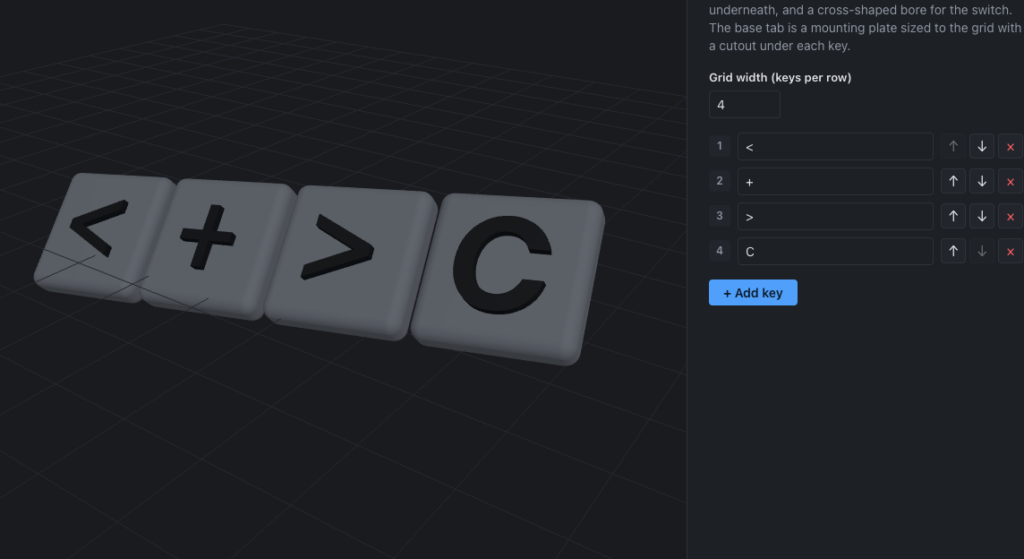
I’m excited to share the latest addition to my 3D Print Generator collection—a custom keypad generator! This new tool joins the name tag, box builder, and wrench holder generators, continuing my mission to make practical 3D printing accessible to everyone without needing extensive CAD software knowledge.
What Does the Keypad Generator Do?
The keypad generator is designed to help you create complete, customizable keypad assemblies perfect for DIY electronics projects, home automation systems, custom input devices, or any project where you need a physical button interface. Unlike buying a pre-made keypad that might not fit your exact needs, this generator lets you design exactly what you want and print it at home.
The generator creates three essential components for your keypad:
- Custom buttons – Individual button caps that you can customize in size, layout, and labeling to match your project needs
- Enclosure case – A protective housing designed to hold everything together securely while maintaining a professional appearance
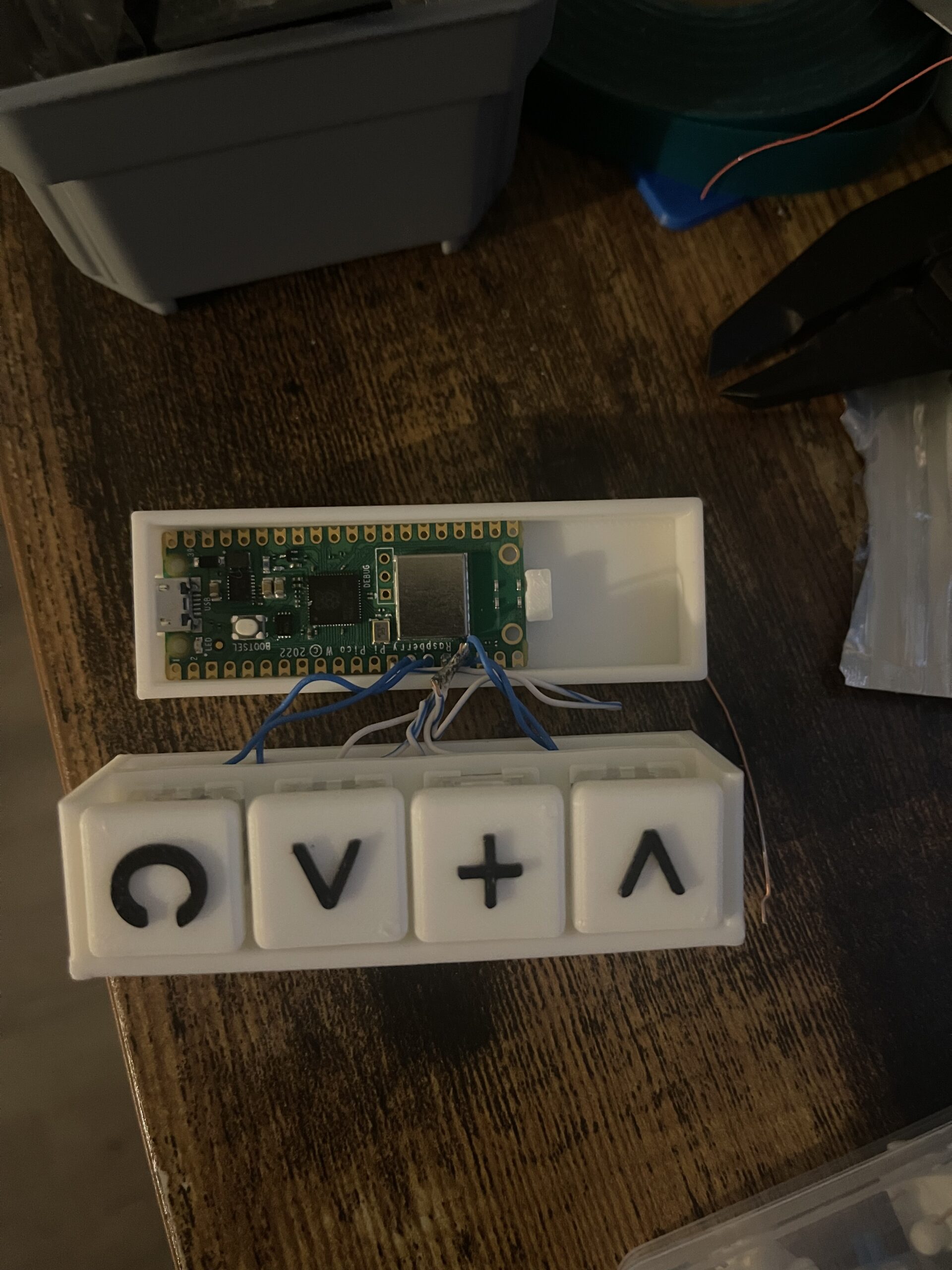
- Raspberry Pi compartment – An integrated space specifically sized to accommodate a Raspberry Pi, making it perfect for creating standalone devices or smart home controllers
Perfect for Makers and DIY Electronics
This generator is ideal for anyone working on electronics projects who needs a physical interface. Whether you’re building a custom gaming macro pad, a smart home control panel, a security system keypad, or a specialized input device for accessibility needs, the keypad generator gives you the physical components you need.
The built-in Raspberry Pi compartment opens up endless possibilities. You can create standalone devices that don’t need to be connected to a computer—think custom alarm system keypads, home automation controllers, or even specialized input devices for specific applications. The Pi can handle all the logic while your custom-designed keypad provides the perfect user interface.
How It Works
Just like my other generators, the keypad tool is designed to be simple and intuitive. You can customize parameters like button count, layout configuration, spacing, and case dimensions to match your specific project requirements. The generator then creates ready-to-print 3D models that you can download and send straight to your printer.
No complex CAD software. No steep learning curve. Just adjust your settings, preview the design, and print. It’s that straightforward.